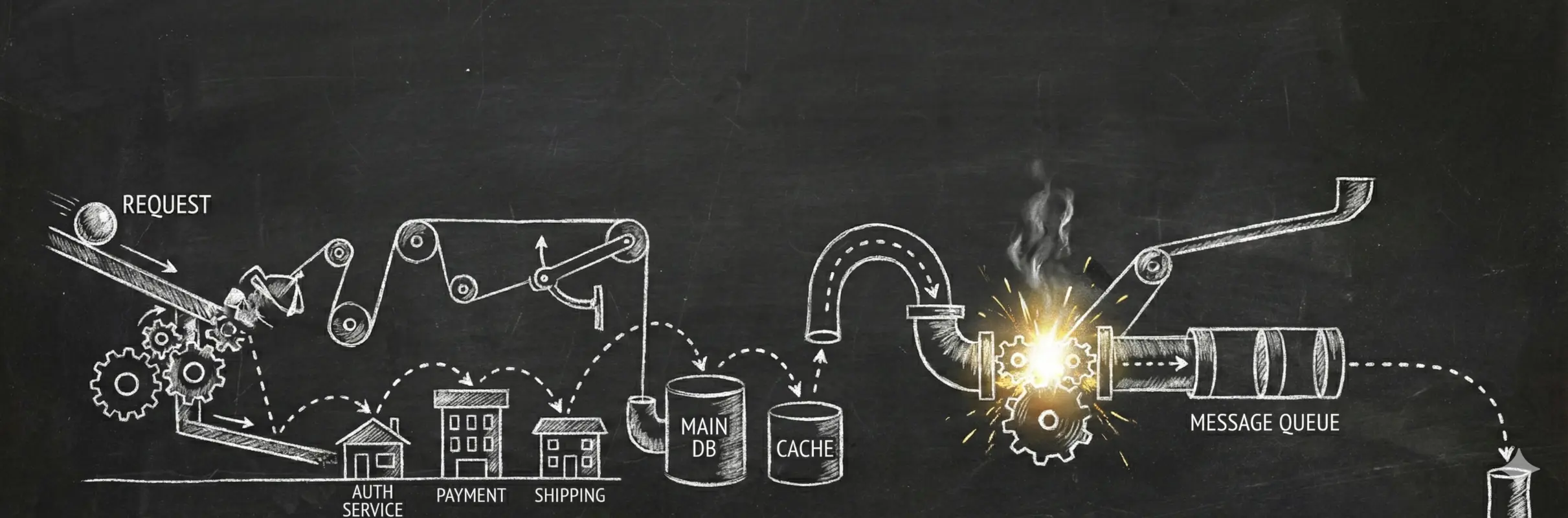
Connect the dots.
A user clicks a button. Your frontend calls an API, which queries a database, calls two microservices, and pushes a message to a queue. The response is slow and you have no idea which part is responsible.
Logs show what happened in each service individually, but they can't show the relationships between them. Tracing connects the whole request into one timeline.
requestId cover most debugging scenarios. Traces become valuable when requests cross service boundaries.How Tracing Works
A trace is a collection of events (called spans) sharing a trace ID. The trace ID is a globally unique identifier generated when a request first enters your system.
type TraceId = string; // globally unique, e.g. "4bf92f3577b34da6a3ce929d0e0e4736"app.post("/checkout", async (c) => {
const traceId: TraceId = crypto.randomUUID().replaceAll("-", "").slice(0, 32);
// ...
});A span records one operation: its name, start time, and end time. The span ID identifies it within the trace.
app.post("/checkout", async (c) => {
  const traceId = crypto.randomUUID().replaceAll("-", "").slice(0, 32);
  const spanId = crypto.randomUUID().replaceAll("-", "").slice(0, 16);
  const startTime = Date.now();

  const order = await createOrder(orderId);

  recordSpan({ traceId, spanId, name: "POST /checkout", startTime, endTime: Date.now() });

  return c.json(order);
});
The recordSpan function collects spans. In production, you'd send them to a tracing backend.
interface Span {
  traceId: string;
  spanId: string;
  parentSpanId?: string;
  name: string;
  startTime: number;
  endTime: number;
}

const spans: Span[] = [];

function recordSpan(span: Span) {
  spans.push(span);
}
Inner operations become child spans. Pass the parent span ID to link them.
async function createOrder(traceId: string, parentSpanId: string, orderId: string) {
  const spanId = crypto.randomUUID().replaceAll("-", "").slice(0, 16);
  const startTime = Date.now();

  const order = await db.query("SELECT * FROM orders WHERE id = ?", [orderId]);

  recordSpan({ traceId, spanId, parentSpanId, name: "db.query", startTime, endTime: Date.now() });

  return order;
}
When calling another service, create a span for the outgoing request. Pass that span's ID in the traceparent header so the receiving service can continue the trace.
const fetchSpanId = crypto.randomUUID().replaceAll("-", "").slice(0, 16);
const fetchStart = Date.now();

await fetch("http://payments/charge", {
  method: "POST",
  headers: {
    "traceparent": `00-${traceId}-${fetchSpanId}-01`,
  },
  body: JSON.stringify({ amount: order.total }),
});

recordSpan({ traceId, spanId: fetchSpanId, parentSpanId: spanId, name: "fetch POST /charge", startTime: fetchStart, endTime: Date.now() });
The receiving service extracts the trace context from the header. Its spans become children of the HTTP span.
app.post("/charge", async (c) => {
  const traceparent = c.req.header("traceparent");
  const [, traceId, parentSpanId] = traceparent?.split("-") ?? [];

  const spanId = crypto.randomUUID().replaceAll("-", "").slice(0, 16);
  const startTime = Date.now();

  await stripe.charges.create({ amount: c.req.json().amount });

  recordSpan({ traceId, spanId, parentSpanId, name: "POST /charge", startTime, endTime: Date.now() });
});
Both services record spans with the same trace ID. A tracing backend assembles them into a tree using the parent-child relationships.
Getting Started
- OpenTelemetry — vendor-neutral SDK for instrumentation
- Sentry Tracing — traces linked to errors, built-in sampling
Traces are more expensive to store than metrics or logs. Most backends charge by volume, and a single request can generate dozens of spans.