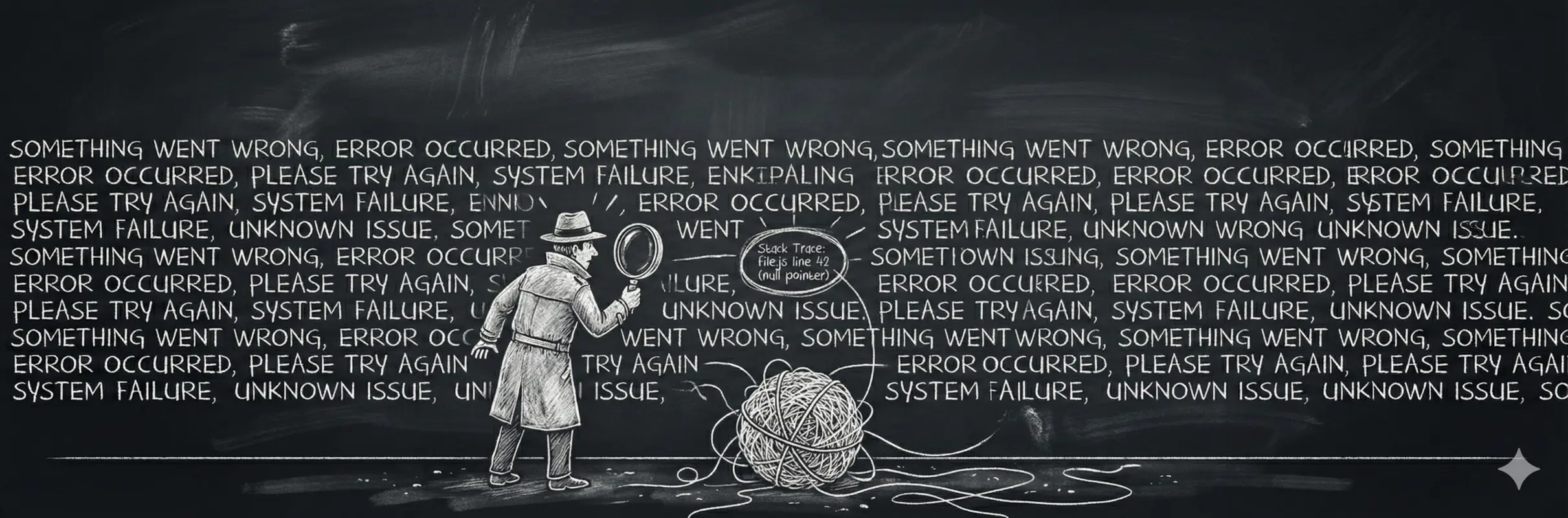
Stop grepping production.
It's 2am. Checkout is broken. You open your logs.
starting checkout flow
loading cart for user
cart loaded, 3 items
calling payment API
payment API response received
updating inventory
ERROR: something went wrong
retrying payment
checkout complete
sending confirmation email
Which request failed? Which user? What was the order total? Was the retry successful or did a different request succeed? At 50 requests per second, each producing 8-12 log lines, you're Ctrl+F-ing through 500+ lines per second for the word "error."
Structure, Not Volume
Same failure as a sentence:
Payment failed for order 8f3a on attempt 2 for user 4821 — Stripe returned insufficient_fundsAnd as structured data:
{
  "level": "error",
  "msg": "Payment failed",
  "orderId": "8f3a",
  "userId": "4821",
  "attempt": 2,
  "provider": "stripe",
  "reason": "insufficient_funds",
  "duration_ms": 342
}
The sentence is readable, but you can't query it. The structured version lets you filter by provider, reason, duration_ms. No regex required.
userId, email, role.What Makes a Log Useful
Every piece of context goes in as a key-value pair. Your log tool can answer "every failed order over $500" because total, status, and error are fields you can filter on.
Log levels give you priority. debug for dev verbosity, info for normal operations, warning for things that haven't broken yet, error for things that broke.
Sinks control where logs go. Console in dev, a JSON-indexed service in production. Good libraries let you send to both simultaneously with the same code.
Use a Real Logging Library
console.log has no levels, no structured fields, no routing. LogTape is a structured logging library for JavaScript and TypeScript. Zero dependencies, works in Node, Deno, Bun, browsers, and edge runtimes.
npm install @logtape/logtapeimport { configure, getConsoleSink, getFileSink } from "@logtape/logtape";
await configure({
sinks: {
console: getConsoleSink(),
file: getFileSink("app.log"),
},
filters: {},
loggers: [
{
category: ["app"],
sinks: ["console", "file"],
lowestLevel: "info",
},
],
});import { getLogger } from "@logtape/logtape";
const logger = getLogger(["app", "orders"]);
export async function placeOrder(userId: string, items: CartItem[]) {
logger.info("Processing order", { userId, itemCount: items.length });
try {
const order = await createOrder(userId, items);
logger.info("Order created", {
orderId: order.id,
userId,
total: order.total,
});
return order;
} catch (error) {
logger.error("Order failed", { userId, error: String(error) });
throw error;
}
}Categories are hierarchical. ["app", "orders"] inherits config from ["app"], so you can crank up debug output on one module without flooding everything else.
Wire Up a Backend
LogTape sinks can send logs anywhere. In production, ship JSON to a log aggregator that indexes your structured fields.
import { configure, getConsoleSink } from "@logtape/logtape";

// Custom sink that sends logs to your aggregator
function getProductionSink() {
  return (record: LogRecord) => {
    fetch("https://logs.example.com/ingest", {
      method: "POST",
      body: JSON.stringify({
        timestamp: record.timestamp,
        level: record.level,
        category: record.category.join("."),
        message: record.message,
        ...record.properties,
      }),
    });
  };
}

await configure({
  sinks: {
    console: getConsoleSink(),
    production: getProductionSink(),
  },
  loggers: [
    {
      category: ["app"],
      sinks: process.env.NODE_ENV === "production" ? ["production"] : ["console"],
      lowestLevel: process.env.NODE_ENV === "production" ? "info" : "debug",
    },
  ],
});
Inconsistent field names break queries. userId in orders, user_id in auth, uid in payments means cross-service queries return partial results. See semantic conventions for naming guidelines.
debug to console. Production logs info+ as structured JSON. Ship your dev config to production and you'll drown in noise.If you're also using distributed tracing, include traceId and spanId alongside your requestId. This lets you jump from a log entry directly to the trace that produced it.
The Difference
A single checkout touches your API, payment service, inventory, and email. Without a requestId flowing through every log entry, you can't connect "payment failed" to "inventory rolled back."
Same 2am. Same checkout failure. But now:
{"@timestamp":"2025-01-15T02:14:33.012Z","level":"ERROR","category":["app","payments"],"message":"Payment failed","requestId":"req-7x9f","orderId":"8f3a","userId":"4821","attempt":2,"provider":"stripe","reason":"insufficient_funds","duration_ms":342}
{"@timestamp":"2025-01-15T02:14:33.015Z","level":"INFO","category":["app","inventory"],"message":"Inventory rollback","requestId":"req-7x9f","orderId":"8f3a","items":3}
Query requestId = "req-7x9f" and you get both lines. User 4821, Stripe returned insufficient_funds on attempt 2, inventory rolled back 3 items.
requestId in every log entry. Correlation makes cross-service debugging possible.